Agentic long-video → short-clip generator. Drop in a 5–90 minute podcast, lecture, interview, or keynote and get back three 30–60 second vertical clips plus a stitched highlights reel — each with a hook, scored rationale, optional burned-in captions, and the full reasoning trace that picked the moment.
Built for NVIDIA Nemotron Developer Days Seoul 2026 — Track A (Creative Agentic Systems).
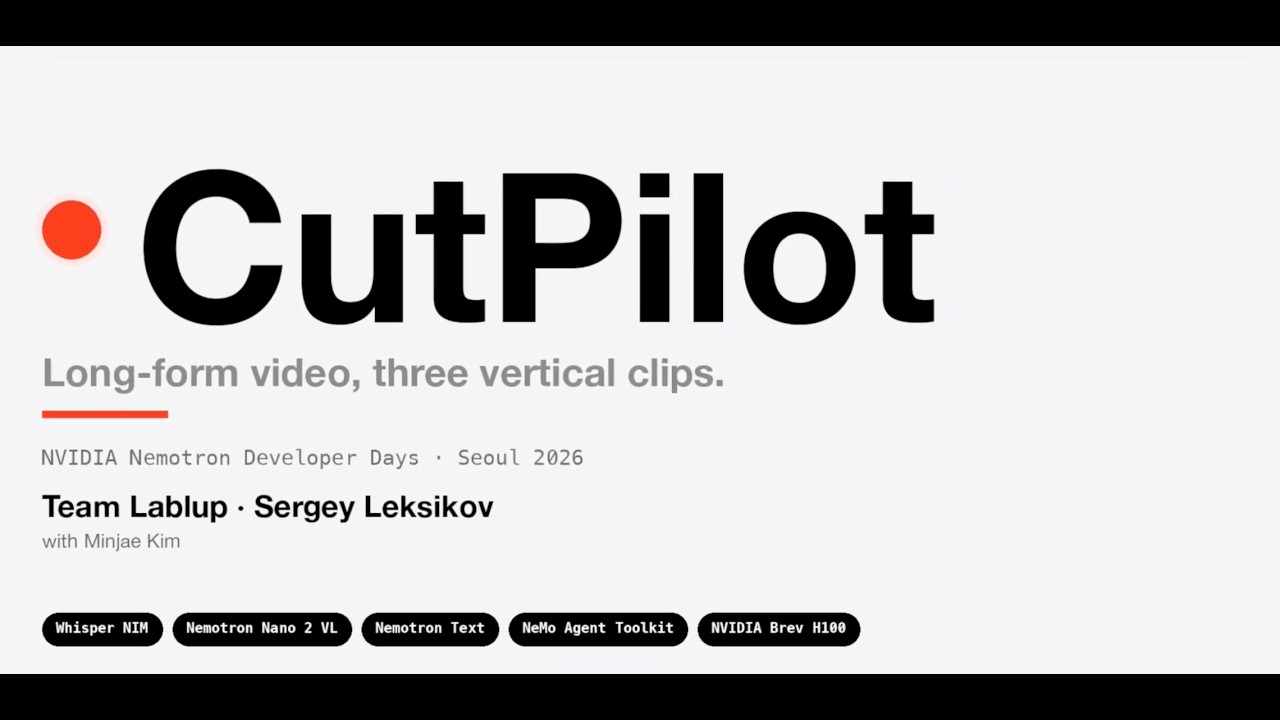
A three-NIM pipeline orchestrated in Python (src/cutpilot/pipeline.py). Every model call hits a live NVIDIA NIM over its OpenAI-compatible /v1 interface — no local weights, no LLM mocks. Each pipeline component is also registered as an NVIDIA NeMo Agent Toolkit (nvidia-nat) function and discoverable via nat info components — see NAT integration for what is and isn't wired through NAT.
- Whisper-Large ASR NIM transcribes the source in 5-minute chunks with word-level timestamps and stitches them back into a single
Transcript. - Nemotron Nano 12B V2 VL NIM runs in parallel over sliding 90-second windows covering the full video. Each window returns a 1–5 visual score and a one-sentence visual hook. Sliding scan avoids the pattern-collapse a single VL pass exhibits on long talks.
- Nemotron-3 Nano text NIM sees the full transcript + the per-window VL observations and proposes 5–10 candidate clips via
client.beta.chat.completions.parse(response_format=CandidatesResult)— Pydantic strict-mode JSON, not free text.
flowchart LR
S[source<br/>file · URL · upload]
S --> A[extract_audio<br/>ffmpeg]
A --> W[Whisper NIM<br/>word-level transcript]
S --> VL[Nemotron VL NIM<br/>sliding 90s windows<br/>parallel · in-video scoring]
W --> T[Nemotron Text NIM<br/>proposes 5–10 candidates]
VL --> T
T --> E[Editor agent<br/>picks top 3 · cut or splice plan]
E --> F[ffmpeg<br/>cut · crop 9:16 · optional captions]
F --> O[outputs/<run>/<br/>clip_1.mp4 · clip_2.mp4 · clip_3.mp4<br/>highlights.mp4<br/>*.manifest.json]
The Editor sorts candidates by composite rubric (hook + self_contained + length_fit + visual_fit), keeps the top 3, refines boundaries against the transcript via a single structured-output NIM call, and emits an EditPlan. It then dispatches each step (cut | splice → crop_9_16 → burn_captions?) via clients/ffmpeg.py. A stitched highlights.mp4 joins all three.
Finalized on main. End-to-end verified against the live NIMs on a 43-minute GTC Healthcare talk: 9-chunk Whisper transcription → 15-window parallel VL scan → 6-candidate text scout → 3 content-grounded clips (e.g. "What if AI could design life-saving drugs in minutes?", "What if robots could perform surgery with human-level precision?") + 42 MB highlights.mp4, all in ~3 minutes of wall-clock.
Test coverage (all against live dependencies, no LLM mocks):
- 96 unit tests — models, parsers, prompt rendering, sliding-window math, URL gating, SRT emission. <3 s.
- 16 integration tests — real ffmpeg subprocess + live VL / text / Whisper NIMs on a 120 s slice of real content. ~25 s.
- 1 e2e test — full
run_pipelineon the 43-min GTC video. Opt-in viapytest -m e2e, ~3 min.
-
Python 3.11+ (dev env pinned to 3.13 via
.python-version;ruffandmypyboth targetpy313) -
ffmpeg6.0+ onPATH(any build — the caption renderer works without libass / libfreetype) -
Three NVIDIA NIM endpoints reachable over HTTPS (configured in
.env):- Whisper-Large (OpenAI-compat
/v1/audio/transcriptions) - Nemotron Nano 12B V2 VL (OpenAI-compat
/v1/chat/completionswith video input) - Nemotron-3 Nano text (OpenAI-compat
/v1/chat/completions)
Hosted at
build.nvidia.comwithNVIDIA_API_KEY, or self-hosted on an NVIDIA Brev H100 Launchable (≥70 GB VRAM) with containers fromnvcr.io/nim/...pulled viaNGC_API_KEY. See .env.example for the full contract. - Whisper-Large (OpenAI-compat
pip install -e ".[dev]"Then copy .env.example → .env and fill in the three NIM endpoints.
cutpilot <source.mp4>                          # local file
cutpilot https://youtu.be/<id>                 # yt-dlp handles URL ingest
cutpilot /path/to/video.mp4 --run-id demo      # custom run id (= output subdir)
cutpilot <source> --burn-captions              # burn captions onto the clips (opt-in)
Clips, per-clip manifests, and highlights.mp4 land under outputs/<run>/; caption text is always saved into each manifest, whether or not the pixels are burned in.
To serve the review UI over HTTP and accept uploads from the browser:
cutpilot-serve # defaults to http://127.0.0.1:8080All 9 pipeline components are also exposed as NAT functions and listed by:
nat info components # lists every @register_function tool + ScoutA declarative composition lives at src/cutpilot/configs/cutpilot.yml. It is not the runtime path the CLI/server uses — see NAT integration for the full split.
| Landing | Completed run |
|---|---|
 |
 |
Single-file HTML at ui/index.html — Tailwind via CDN, Inter + JetBrains Mono, dark-on-light palette with the brand red (#fc3f1d) as the live-state accent.
Each run renders three video players side-by-side. Per clip:
- The vertical 1080×1920 mp4
- Hook (one-line title the agent picked)
- Rationale (multi-sentence justification)
- Four rubric bars (hook / self-contained / length / visual)
Press e on a focused clip to toggle the full reasoning trace — every Scout candidate, why it won or lost, and the Editor's boundary refinement. Space / arrows control playback on the focused video. Append ?demo=1 to hide dev-only noise.
Two ways to open it:
file://— openui/index.htmldirectly in a browser; it reads manifests straight fromoutputs/<run>/.cutpilot-serve— FastAPI atsrc/cutpilot/server.pymountsui/at/andoutputs/at/outputs. ExposesPOST /runs(URL or path),POST /runs/upload(multipart),GET /runs/{id}(status + manifests). Run state lives in an in-memory dict — single-worker, single-user, lost on restart.
Three layers stacked vertically. Top runs the flow, middle decides the content, bottom does the work.
| Layer | What it does | Key files |
|---|---|---|
| Pipeline (Python) | Deterministic orchestration — resolve source, transcribe, delegate to agents, stitch | src/cutpilot/pipeline.py · src/cutpilot/cli.py · src/cutpilot/server.py |
| Agents (LLM) | Scout picks candidate moments; Editor writes the cut plan | src/cutpilot/agents/scout.py · src/cutpilot/agents/editor.py |
| Tools (ffmpeg + transcript) | Per-step Python callables exposed as NAT functions; in production the Editor invokes clients/ffmpeg.py directly. Only code that shells out to ffmpeg. |
src/cutpilot/tools/ (cut · crop_9_16 · burn_captions · transcript_window · splice · merge · save · probe) · src/cutpilot/clients/ffmpeg.py |
| NIM clients | OpenAI-compat callers for Whisper, VL, Text — SSoT per endpoint | src/cutpilot/clients/whisper.py · src/cutpilot/clients/nim.py · src/cutpilot/clients/youtube.py |
| NAT workflow config | YAML composing the registered functions into a declarative nat-format workflow (companion artifact, not the production runtime) |
src/cutpilot/configs/cutpilot.yml |
| System prompts | Scout + Editor system prompts, loaded at runtime | prompts/scout.md · prompts/editor.md |
| Data models | Every Pydantic type that crosses an agent boundary or hits disk | src/cutpilot/models.py |
| Review UI | Static HTML + JS; reads manifests, renders players + trace | ui/index.html |
pipeline.run in src/cutpilot/pipeline.py is the single entrypoint for both the CLI and the FastAPI server. It calls each stage directly — Scout's two passes (VL sliding scan + text-NIM moment selection) and the Editor (structured-output EditPlan) are NIM calls dispatched as plain Python coroutines, with ffmpeg invocations sandwiched in. There is no agent loop in production: every LLM-driven decision is a single client.beta.chat.completions.parse(response_format=…) call returning Pydantic strict-mode JSON, dispatched by pipeline.py.
sequenceDiagram
    autonumber
    participant U as cutpilot CLI<br/>or FastAPI
    participant P as pipeline.run
    participant W as Whisper NIM
    participant V as VL NIM<br/>(15× parallel)
    participant T as Text NIM
    participant E as editor.run
    participant F as ffmpeg

    U->>P: source path
    P->>W: 5-min audio chunks
    W-->>P: word-level Transcript
    P->>V: 15 parallel 90 s windows
    V-->>P: per-window visual_score + visual_hook
    P->>T: full transcript + window observations
    T-->>P: 5–10 candidates (parse → CandidatesResult)
    P->>E: top-3 candidates + transcript
    E->>T: parse(response_format=EditPlan)
    T-->>E: per-clip cut|splice plan + boundaries
    E-->>P: EditPlan
    loop for each of 3 clips
        P->>F: cut → crop_9_16 → burn_captions?
        F-->>P: clip_N.mp4 + manifest
    end
    P->>F: concat-demuxer
    F-->>P: highlights.mp4
    P-->>U: list[ClipManifest]
Three things to call out about the design:
- Sliding VL scan, not single-shot. A single VL pass over a long talk pattern-collapses to one generic caption. Splitting into N=15 uniformly-spaced 90 s windows gives the VL model enough variation to actually score — see
scout_vl_slidinginsrc/cutpilot/agents/scout.py. - Text NIM is the actual moment-picker. It receives the full transcript and the per-window VL summaries, so its choices are grounded in both audio content and visual evidence. See
scout_text_core. - Editor uses structured output, not tool-calling. The deployed NIMs lack
--enable-auto-tool-choice --tool-call-parser, so the Editor emits a singleEditPlan(one Pydantic object: per-clip strategy + boundaries + caption flag) instead of an OpenAI tool-call loop. The server then dispatches each plan step to ffmpeg. Seesrc/cutpilot/agents/editor.py.
Every component is exposed as an NVIDIA NeMo Agent Toolkit function. What's wired and what isn't:
What is real ✓
- 9 components registered with
@register_function+[project.entry-points."nat.components"]inpyproject.toml. All 9 are visible tonat info components:cutpilot_scout,cutpilot_cut,cutpilot_crop_9_16,cutpilot_burn_captions,cutpilot_transcript_window,cutpilot_splice,cutpilot_merge,cutpilot_save,cutpilot_probe. - A declarative workflow at
src/cutpilot/configs/cutpilot.ymlcomposes them into asequential_executor(scout → editor) over two NIM-typed LLM providers. - Scout uses NAT's ADK framework wrapper (
framework_wrappers=[LLMFrameworkEnum.ADK]) andLLMReffor provider injection.
What is not wired through NAT ✗
- The production runtime (
pipeline.py, used by bothcutpilotCLI andcutpilot-serve) calls the same components as plain Python coroutines. It does not importWorkflowBuilderor load the YAML — it can't, becausesequential_executorreturns a text string and the FastAPI server needs typedlist[ClipManifest]to render the UI. - The Editor runs structured-output
parse(response_format=EditPlan)directly, not NAT'stool_calling_agent(deployed NIMs lack the tool-call parser). nat run --config_file=src/cutpilot/configs/cutpilot.yml --input <source>currently fails workflow build withNameError: name 'CandidatesResult' is not defined— interaction betweenfrom __future__ import annotationsinscout.pyand NAT'sFunctionInfo.from_fnintrospection. Tracked as a deferred fix.
In short: CutPilot ships as a NAT-discoverable component library that NAT's CLI can introspect, plus a Python orchestrator that consumes those same components directly. Bringing the full production runtime under WorkflowBuilder is a deferred follow-up.
pytest                                          # unit + integration (live NIMs auto-skip when down)
pytest -m "not integration and not e2e"         # unit only — fast, hermetic
pytest -m integration                           # real ffmpeg + live NIM (~25 s)
pytest -m e2e                                   # full 43-min pipeline on the GTC video (~3 min)
ruff check . && ruff format .                   # lint + format
mypy src # strict type checkIn: one source file (.mp4 / .mov / .mkv) or YouTube URL, English audio, single primary speaker, 3 vertical clips with reasoning trace, center-crop framing, stitched highlights reel, optional burned-in captions (--burn-captions).
Out for the sprint (deferred to post-hackathon): smart crop with face tracking, scene-detection tool, multi-language output, word-level caption highlighting, Korean-language sources, multi-speaker handling, social platform publishing, batch processing.
Sergey Leksikov · Minjae Kim
MIT


